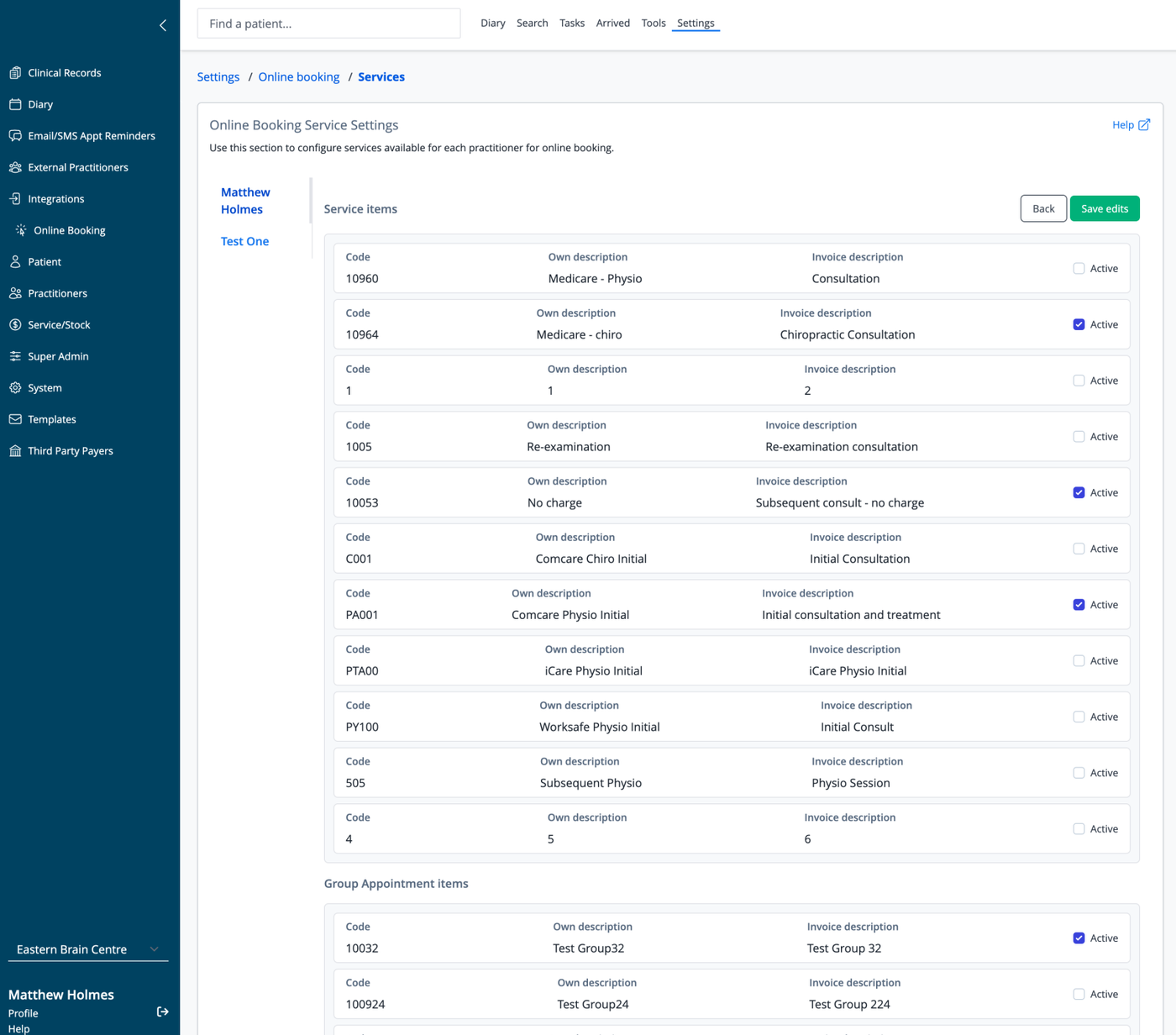
The Online Booking Service Settings page allows you to control which services are available for patients to book online via the iconpractice booking widget.
Services are configured per practitioner, meaning each practitioner can have a different set of bookable services. If you are integrating with Healthengine, these settings will also be used for that integration.
To Edit
Select the practitioner from the list on the left hand side of the page. To make a service available for online booking for that practitioner, tick the "Active" checkbox. Click Save Edits once you have finished.